
6 Best Sales Compensation Software for Small Business in 2026
If your sales comp process still runs on a spreadsheet, you already know what breaks first: month-end close turns into a manual marathon, reps dispute numbers you can’t quickly verify, and producing a clean report for your CFO takes longer than it should. For a small team, those hours cost real money.
The good news is that the best sales compensation software for small business in 2026 doesn’t require a six-month IT project or an enterprise budget. This shortlist is built around three things SMBs actually need: commission accuracy, a short time-to-payout, and reporting that doesn’t require a data analyst. Every entry below includes a “best for” tag and a short list of things to verify before you sign.
1. EasyComp: best for growing SMBs with complex or fast-scaling comp plans
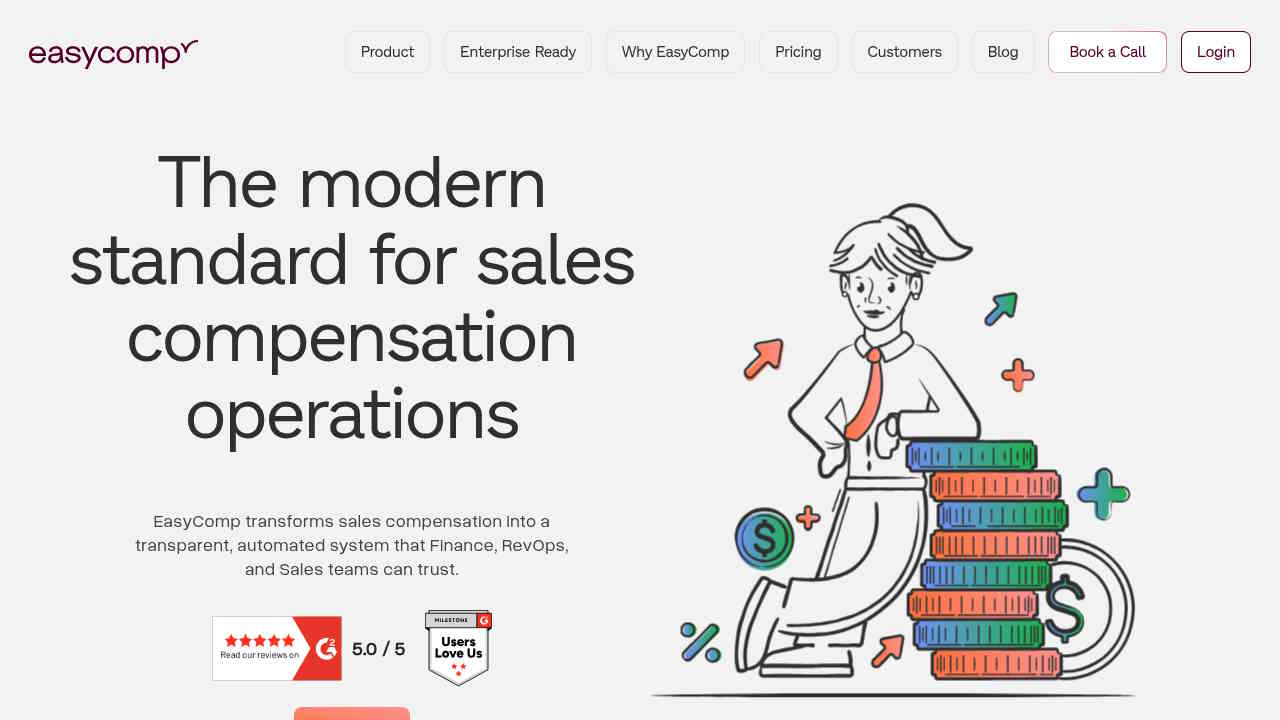
EasyComp sits at the top of this list for one practical reason: it handles the comp structures small businesses grow into, not just the simple flat-rate plans they start with. Multi-tier commissions, team-based splits, holds, and ramps are all supported out of the box. That matters when you’re at 12 reps today and expect 30 in 18 months.
The platform connects natively with Salesforce and HubSpot, so there’s no CSV shuffling between your CRM and your commission calculations. Real-time performance dashboards let reps see their own earnings at any point in the pay cycle, which cuts down the “how much did I make this month?” questions that eat into a comp manager’s day. Clients like Alkira and Carrum Health have specifically cited fewer errors, faster reconciliation, and a measurable lift in team morale after switching.
Implementation is designed to require minimal IT involvement, and the rep-facing earnings visualization is straightforward enough that onboarding doesn’t become a project in itself.
Check before buying: Confirm your CRM data is clean enough to map cleanly, and clarify which commission plan types (splits, ramp schedules, SPIFF launches) you’ll need in the first pay cycle versus later.
2. QuotaPath: best for transparent, SMB-friendly pricing and quick setup
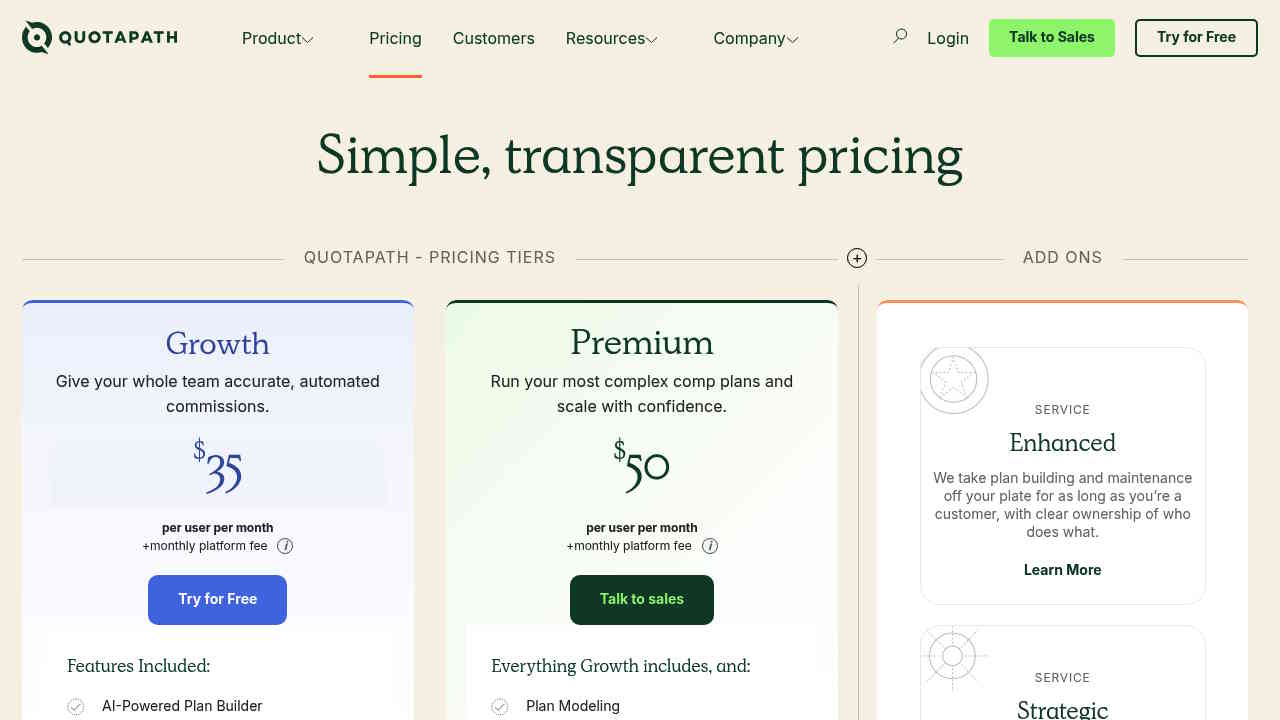
QuotaPath is one of the few vendors that publishes list pricing. As of September 2026, that’s $35 per user per month plus a monthly platform fee (with examples around $525/month for the platform component). For a small team, that platform fee is worth modeling carefully: 8 reps at $35 each is $280/month in user costs, but the platform fee adds meaningfully to your total.
The Growth and Premium tier structure is clear, and there’s an FAQ on the pricing page that addresses common objections. It’s a solid fit if your comp plans are relatively straightforward and you want clean rep statements without a big implementation lift.
Check before buying: Run the math on total monthly cost (per-user + platform fee) for your actual headcount. Also confirm whether your CRM integration (Salesforce or HubSpot) is included or an add-on.
3. Everstage: best for rep-facing transparency and incentive management workflows
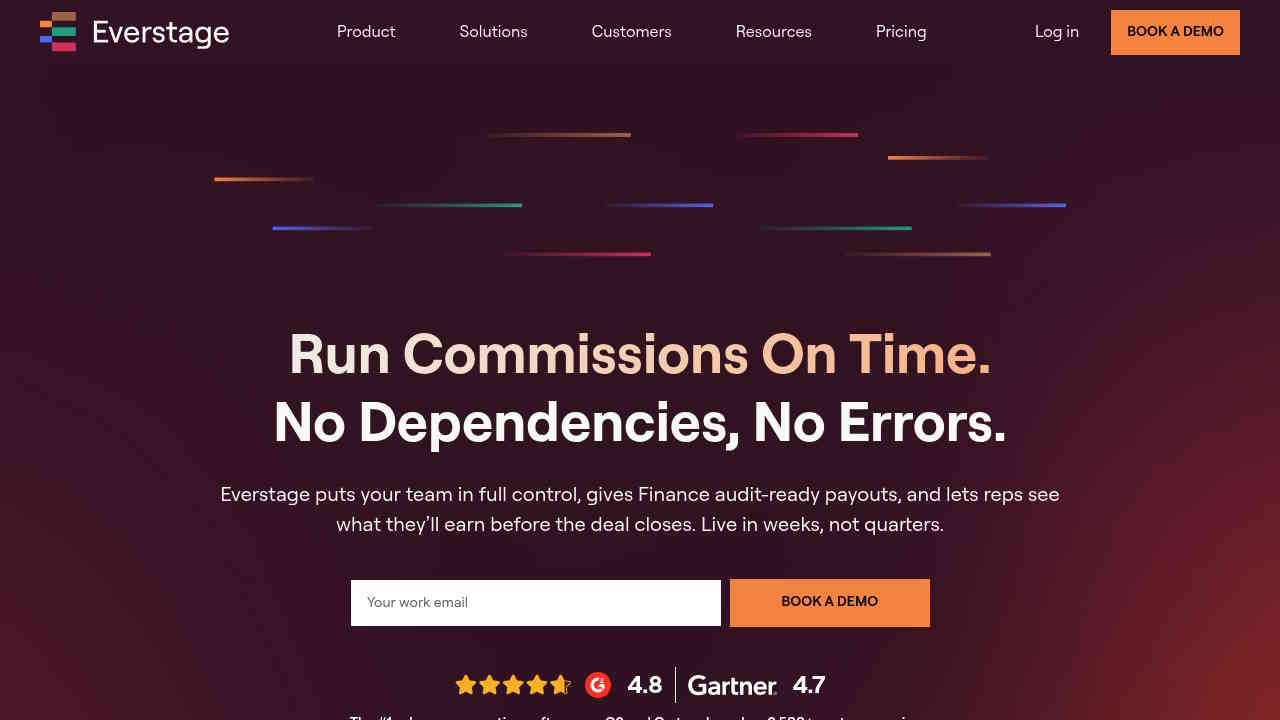
Everstage is a strong option for teams moving off spreadsheets who want reps to have clear visibility into their own commission statements. The platform focuses heavily on incentive management workflows: plan acknowledgment, commission dispute management, and earnings transparency.
Per Everstage’s own published cost guide (2026), sales compensation software broadly runs between $15 and $75 per user per month, with entry-level plans for small teams starting around $2,000 to $5,000 annually. Everstage itself uses quote-based pricing, so you’ll need a scoped call to get actual numbers.
Check before buying: Ask how the platform handles multi-tier plans and splits as your team scales. Get a specific go-live timeline tied to your current CRM setup, not a generic estimate.
4. CaptivateIQ: best for finance-heavy comp logic, if you’re comfortable with quote-based pricing
CaptivateIQ is built for organizations that need flexible, finance-grade commission logic: custom calculation rules, scenario modeling, and detailed audit trails. The trade-off for SMBs is that pricing is entirely quote-based (the pricing page shows “Contact us for a custom quote” rather than any published tiers). Cost is driven by seat count, plan complexity, and which modules you add.
If your comp plans are already complex or you have a RevOps function that needs deep reporting controls, CaptivateIQ can justify the cost. For a 10-person team with standard plans, it may be more platform than you need right now.
Check before buying: Before the demo, map out your data sources and the exact calculation logic your plans require. Ask which modules are core vs. add-ons, and request a scoped implementation timeline.
5. Performio: best for complex data transformation and calculation accuracy at scale
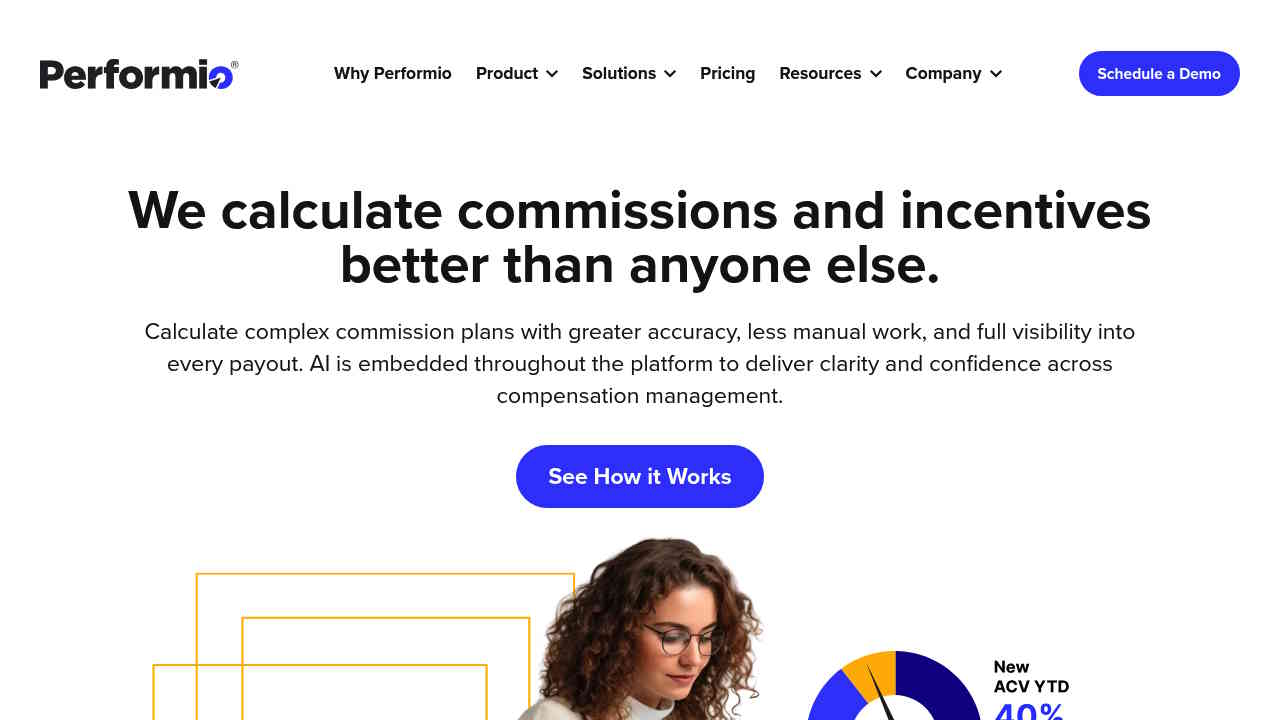
Performio positions itself around calculation accuracy and handling complex compensation structures, with strong social proof from mid-market and enterprise-adjacent teams. For a small business, it’s worth evaluating if your comp plans involve multi-source data feeds or particularly intricate payout rules.
Pricing isn’t published on the homepage, and the site is more conversion-focused than educational for SMB buyers. That means you’ll need a demo to size the cost, and the implementation effort could be heavier than SMB-first tools.
Check before buying: Be honest about whether your plan complexity actually justifies the setup investment. If you have standard quota-plus-accelerator plans, a lighter tool will get you to accurate payouts faster.
6. Salesforce Spiff / Xactly: best for SMBs already deep in Salesforce or with enterprise-scale ambitions
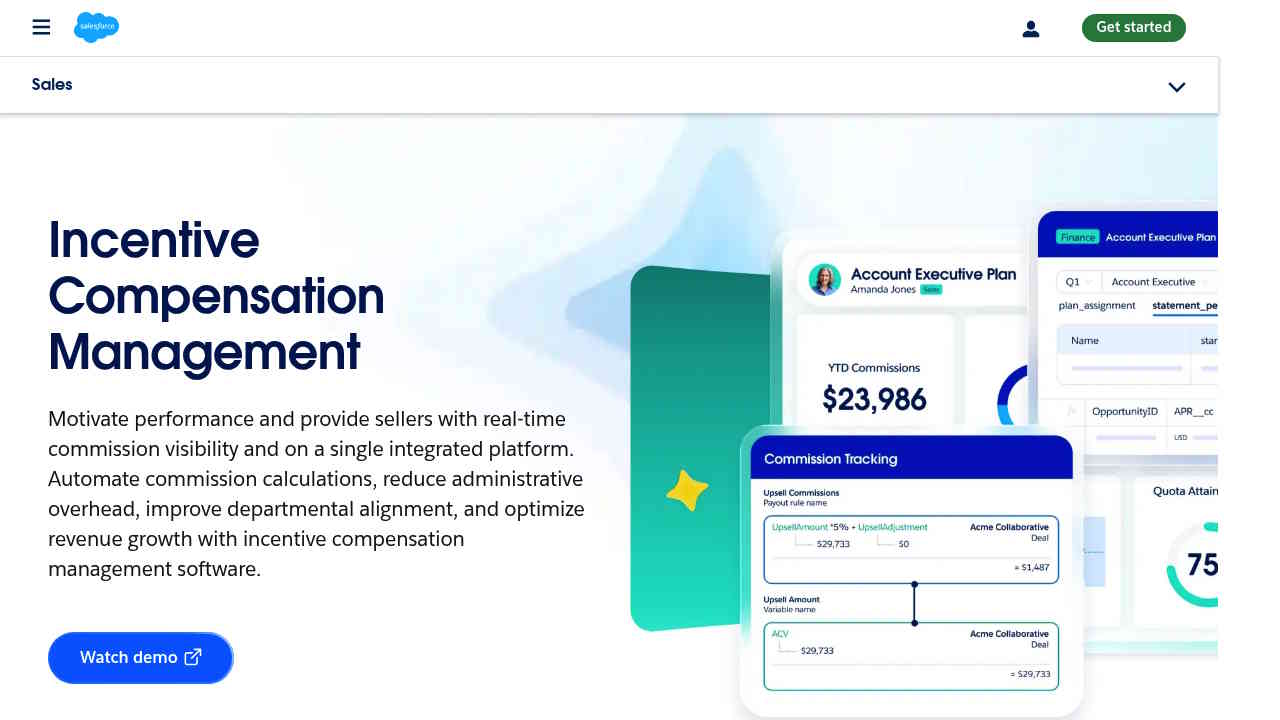
Salesforce Spiff (now part of the Salesforce Sales Cloud ecosystem) and Xactly are enterprise-grade platforms with strong capabilities. If your entire revenue stack runs on Salesforce and you’re already paying for Sales Cloud, Spiff’s native integration can reduce the data-mapping overhead that comes with third-party tools.
Xactly, meanwhile, is built for large-scale incentive compensation automation with deep audit and compliance features. Neither publishes list pricing for SMBs, and implementation timelines tend to reflect enterprise scoping. For a team under 25 reps that isn’t already embedded in these ecosystems, the time-to-value math often doesn’t work out.
Check before buying: Get a total-cost estimate that includes implementation services, not just licensing. Compare that against SMB-first platforms where go-live is measured in days, not months.
How to choose: a 7-point checklist to run before any demo
Use this before you start scheduling sales calls. It takes about 20 minutes and will make every demo more useful.
- Define your commissionable events. What triggers a payout: closed-won, invoiced, collected? Are there clawback rules or hold periods? Write this out before talking to any vendor.
- Map your CRM and data sources. Which system holds the deal data (Salesforce, HubSpot, something else)? Is it clean enough to sync automatically, or will you need data transformation support?
- Clarify your dispute workflow. How do reps flag a discrepancy today? What does finance need to approve an adjustment? Make sure your shortlisted tool has a formal commission dispute management flow.
- List your reporting requirements. Do you need rep-level commission statements, manager dashboards, and a payroll-ready export? Confirm all three are included, not add-ons.
- Check for future plan complexity. Even if plans are simple today, will you add splits, ramps, or multi-tier accelerators in 12 months? Switching tools mid-growth is painful.
- Set a time-to-payout target. What’s your deadline for the first accurate pay run after go-live? Get a vendor-committed timeline, not a range.
- Compare total cost, not just the monthly fee. Ask every vendor: what does implementation cost, what’s the admin time to run a pay cycle, and what’s included in the base price vs. billed separately?
Pricing and TCO: what “cheap” often misses
The $15-to-$75 per-user-per-month range cited by Everstage’s 2026 cost guide is real, but it’s only one part of the equation. For a team of 10 reps running 12 pay cycles a year, consider:
- Software cost: monthly fee x 12 (include platform fees where applicable, like QuotaPath’s model)
- Implementation: one-time setup cost or internal hours to configure integrations and upload plan logic
- Admin time per cycle: how many hours does your comp manager spend reconciling, correcting, and exporting data each month?
- Error cost: one missed or miscalculated payout creates rep distrust, finance rework, and sometimes legal exposure
When vendors don’t publish pricing (CaptivateIQ, Xactly, Performio), ask for a scoped quote that spells out assumptions: seat count, number of comp plans, integrations required, and implementation scope. A quote built on your actual numbers is the only one worth comparing.
Platforms that reduce admin time to under two hours per pay cycle and eliminate reconciliation errors pay for themselves quickly, even at higher monthly rates. That’s the ROI argument worth running with your CFO.
Pick the tool that gets you to accurate payouts fastest
The right choice comes down to four variables: your team size, your current plan complexity, your CRM stack, and how much implementation effort you can absorb. Run the 7-point checklist above, then request demos scoped to a single pay cycle using your actual data.
For small businesses with straightforward plans and tight budgets, QuotaPath’s transparent pricing is a genuine advantage. For teams that are growing into more complex structures (splits, multi-tier, ramps) and need a platform that won’t require a migration in 18 months, EasyComp’s combination of flexible comp architecture, real-time dashboards, and native CRM integration makes it a strong fit. Clients like Alkira and Carrum Health switched for exactly those reasons: fewer errors, faster close, and a sales team that trusts the numbers.
The best sales commission software for your small business is the one that gets your first accurate pay run out the door on time, and keeps it that way as you scale.